
The 'unverified app' warning, explained: where we are with Google's CASA review
If you've signed up for DataToRAG and clicked Connect Google Workspace, you've seen this screen:
Google hasn't verified this app. The app is requesting access to sensitive info in your Google Account.
Below that, the only obvious button is Back to safety. To keep going, you have to click Advanced, then Go to datatorag.com (unsafe).
That's a hostile first impression. We know.
This post explains why the warning is there, what we're doing about it, and why you can click through it without losing sleep.
What CASA is
When an app asks for "restricted scopes" on Google APIs (reading your Gmail, writing to your Docs, anything touching a real user's data), Google requires a third-party security review before they'll mark the app as verified. The review is called CASA: the Cloud Application Security Assessment.
There are three tiers. We're going through Tier 2, which involves an authorized-lab security scan of our codebase, infrastructure, and OAuth handling against Google's published requirements. The full framework is at appdefensealliance.dev/casa. It's not a Google-specific bespoke thing. Anyone shipping restricted-scope OAuth integrations against Google APIs goes through the same gate.
Where we are right now
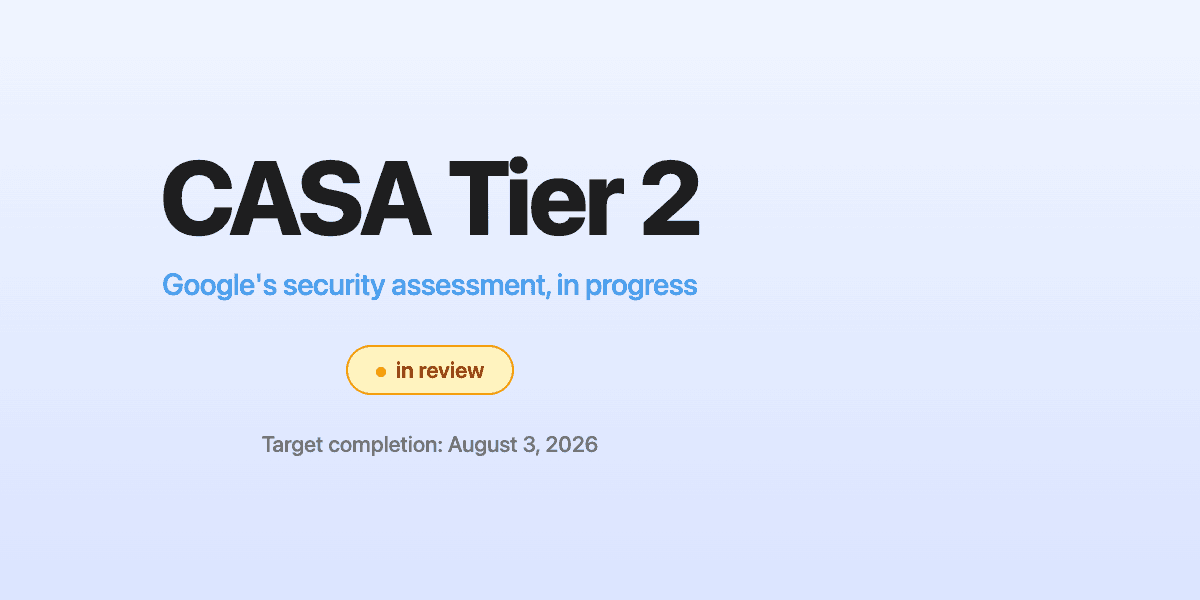
We submitted our verification application earlier this year. On May 5, 2026, Google's API OAuth Dev Verification team replied with our deadline: complete the Tier 2 assessment by August 3, 2026.
The assessment is in progress with an authorized lab. The honest range Google quotes is four to six weeks of back-and-forth (initial scan, fix the findings, rescan, sign off). We started early enough to land before the deadline with margin.
While we're in this window, every user connecting their Google Workspace account sees the unverified-app warning. The moment Google flips us to verified, the warning disappears. There's no version of this where the warning is unique to DataToRAG. It's the warning Google shows for any app in the same review window.
What this means if you want to connect today
Three clicks past the warning:
- On Google's "this app isn't verified" screen, click Advanced
- Click Go to datatorag.com (unsafe)
- You land back in the OAuth consent flow, and you grant the scopes you actually want
That's the whole thing. The OAuth grant itself works exactly the same way it would for any verified app. You can revoke the access from your Google Account settings at any time.
What we do with the access
This is the question the warning screen is really asking.
- OAuth tokens are stored encrypted at rest, scoped per user and per service
- We only request the scopes that match the tools you've enabled in DataToRAG. If you don't enable Gmail send, we don't ask for Gmail send.
- No personally identifiable information goes into our application logs
- We don't sell, share, or train models on your data
The infrastructure piece (how we route tool calls to per-user tokens without the underlying MCP plugins ever seeing each other's traffic) is something I've written up separately at How we built multi-account for MCP.
Why we're posting this instead of staying quiet
A lot of small teams in this position go quiet about CASA. They show users the scary screen, hope they click through, and don't talk about it.
I think that's the wrong move. The warning is the most aggressive thing in the entire onboarding, and pretending it doesn't exist doesn't make it less aggressive. Naming it, explaining it, and giving you a specific timeline is the version that builds trust.
If you're another founder in the same review process: the email from Google's API OAuth Dev Verification team will send you a deadline. Start the assessment immediately. Six weeks goes faster than you think when you're also shipping product.
Questions? [email protected].
Related articles
The database changes, token routing, and tool schema tricks behind supporting multiple Google accounts in a single MCP server.
Claude Can Draft Your Email. It Can't Send It.The native Claude Gmail connector writes drafts into your Drafts folder and stops there. DataToRAG fills the gap: send, reply, forward, label.
Claude's Calendar Connector Works. Unless You Have Two Calendars.Calendar is the one place where Claude's native Google connector and ours have feature parity. The gap is single-account vs. multi-account.