
Claude's Calendar Connector Works. Unless You Have Two Calendars.
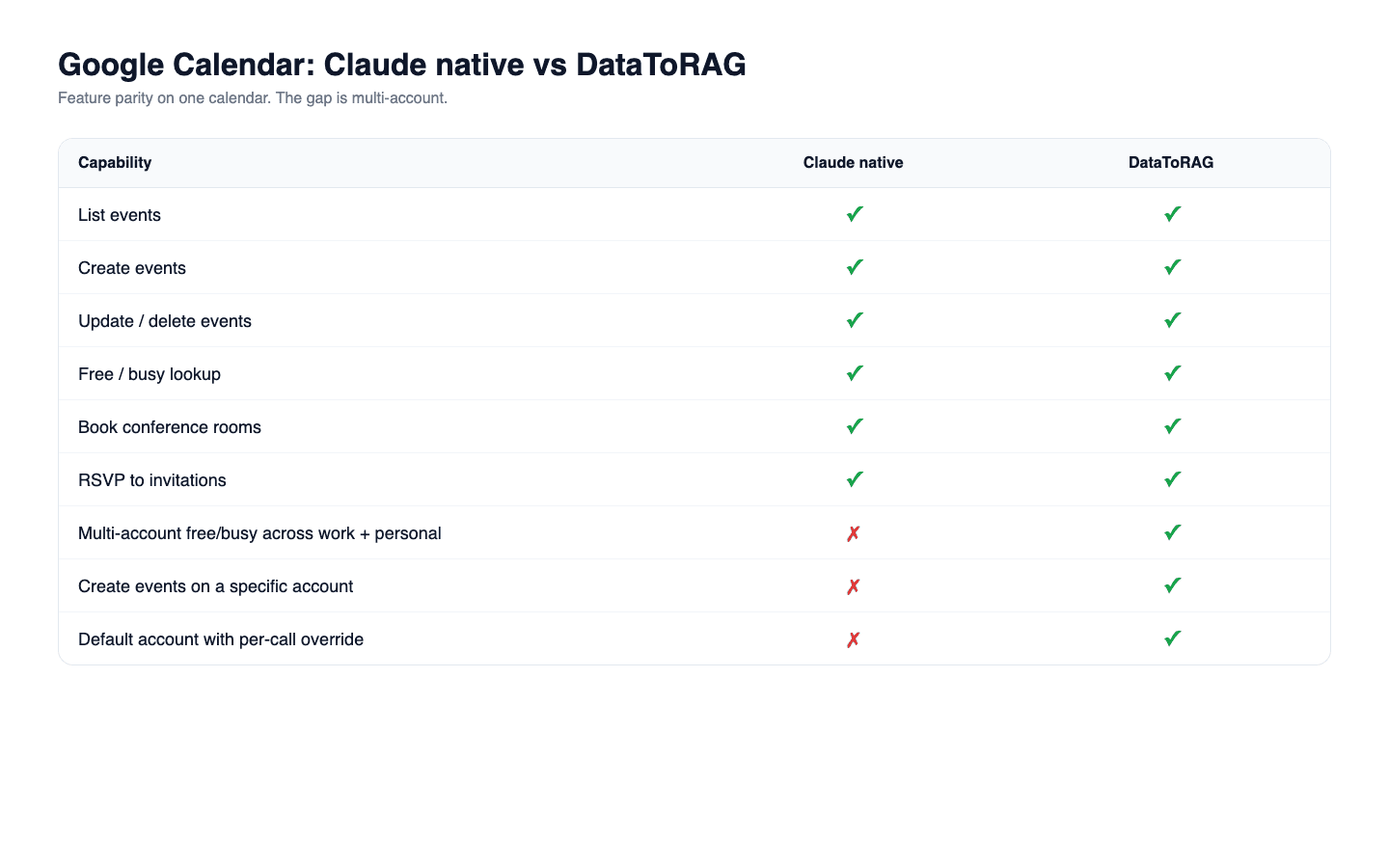
I'll give Claude credit. The native Google Calendar connector is the most feature-complete piece of the Workspace integration. It creates events, updates them, deletes them with cancellation notices, handles RSVPs, checks free/busy across invitees, and books conference rooms. Since Claude Code v2.1.46 (February 2026), the same connector works inside Claude Code too. If you want to schedule a meeting by describing it in plain English, Claude handles the whole loop.
So what's the gap?
It's a one-calendar gap.
Claude's Google Workspace connector authenticates to a single Google account per integration. If you're a person who has two Google Calendars that you actually use (one work, one personal), Claude sees one of them. Not both.
That sounds niche. It isn't. Anyone who does freelance work while employed, anyone who runs a side project, anyone whose life is partitioned along work boundaries has two calendars. When they say "find a time next Tuesday," the correct answer is the one that considers both.
Feature comparison
| Capability | Claude native Google Calendar | DataToRAG Google Calendar |
|---|---|---|
| List events | Yes | Yes |
| Create events | Yes | Yes |
| Update events | Yes | Yes |
| Delete events (with cancellation notice) | Yes | Yes |
| Free / busy lookup | Yes | Yes |
| Book conference rooms | Yes | Yes |
| RSVP to invitations | Yes | Yes |
| Add Google Meet links | Yes | Yes |
| Multi-account free/busy across work + personal | No | Yes |
| Create an event on a specific account | No | Yes |
| Default account with per-call override | No | Yes |
| Works inside Claude Code | Yes (v2.1.46+) | Yes |
What multi-account support looks like
DataToRAG's Calendar connector has the same surface as Claude's:
calendar_list_eventscalendar_get_eventcalendar_create_eventcalendar_update_eventcalendar_delete_eventcalendar_freebusy
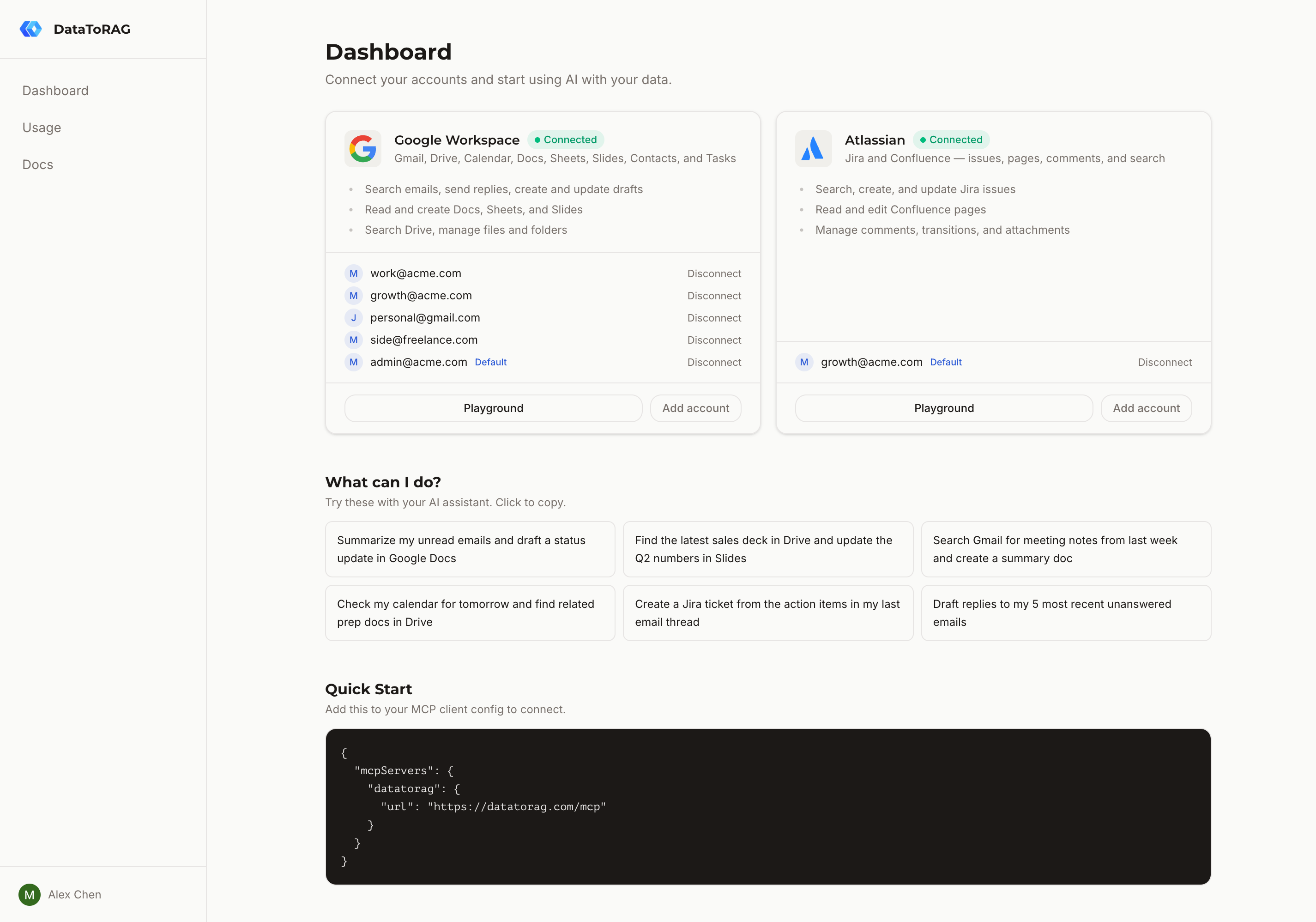
Every one of those tools accepts an optional account parameter. At the gateway level we store multiple Google account tokens per user and route each tool call to the right one. You can:
- Connect
[email protected]AND[email protected]under one MCP endpoint. - Run
calendar_freebusyacross both to find a genuinely free slot. - Create an event on one calendar without touching the other.
- Set a default and still override per call.
The architecture behind this is described in a previous post on multi-account for MCP. The short version: separating auth (tokens) from identity (which account this call goes to) means the plugin itself doesn't know multi-account exists. It just receives a token and does its job.
When Claude's native connector is enough
If you have exactly one Google account that holds your whole calendar life, the native connector is fine. It's fast, polished, and at feature parity with DataToRAG on the Calendar surface. The only question is whether your scheduling picture is complete with just one account.
The edge case that isn't edge
Run this exact prompt on the native connector: "Find a time next Thursday when I'm free on both my work and personal calendars, then book a dentist appointment at that time."
The native connector will answer based on whichever one calendar it's connected to and miss conflicts on the other. The appointment gets booked on top of a conflict.
With DataToRAG connected to both accounts, calendar_freebusy merges availability across both and the answer reflects reality.
Try it
If you only have one Google account, stay on Claude's native connector. If you have more than one and they both matter, connect them at datatorag.com/dashboard.
Related articles
The native Claude Gmail connector writes drafts into your Drafts folder and stops there. DataToRAG fills the gap: send, reply, forward, label.
Claude Can Read Your Google Docs. It Can't Edit Them.Claude's native Google Drive connector is effectively read-only. DataToRAG lets Claude write Docs, update Sheets, and edit Slides in place.
How We Built Multi-Account for MCPThe database changes, token routing, and tool schema tricks behind supporting multiple Google accounts in a single MCP server.